Playbooks · 5 min read
The Automation Cannot See the Photo Somebody Just Sent

We do not read images. No object detection, no colour matching, no text pulled out of a screenshot, no "which product is this", no visual search against a catalogue. If somebody sends your account a photograph, the automation receives a message with nothing in it that it can match on.
That is a real limitation and it is not a small one, because people send photos constantly. This post is that limitation, described properly, and then the part that matters: how to build a setup that behaves well when it goes blind.
What people actually send
Open any Indian D2C inbox and the photo traffic is roughly this. A screenshot of your own product with "ye wala available hai?" or, just as often, with nothing typed at all. A photo of a wrist or a foot for sizing. A picture of something from another brand: "same jaisa hai kya?". A screenshot of a competitor's price. A payment screenshot. A photo of a damaged item, which is the one you least want to get wrong.
Several of those are the highest-intent messages you will receive all week. Somebody who photographs their own wrist has decided to buy and is working out which size. That is not a browser.
The messages the automation is blindest to are disproportionately the ones from people closest to buying.
What happens mechanically
Worth being precise, because the failure is silent.
A photo-only message contains no text, so no keyword matches, so no automation fires. The run is recorded as having failed its conditions, which is not the same as being blocked — nothing reached the gate, because there was no candidate reply for the gate to judge. So it does not appear among the refusal reasons you would normally scan, and that is exactly why it is easy to miss.
Meanwhile the clock is running. Their message started a twenty-four hour window, and only another message from them restarts it. A photo that sits unanswered overnight is a window quietly closing on your most interested customer of the day.
The failure mode to avoid at all costs
Somewhere there is a temptation to catch these with a generic fallback. Resist the specific version of it that pretends to have looked.
"Love this one! It is available, DM us to order." Sent in response to a photograph of a damaged parcel. That message is worse than silence by a wide margin, and there is no way to prevent it other than not writing it, because the automation has no idea what is in the picture.
Design for a blind automation
The whole trick is moving the information from the picture into words, before the picture gets sent.
- Ask for a word in the caption, not a demonstration. "Comment SIZE" produces a comment the automation can act on. "Show us your look" produces images it cannot. The caption line is the one place you choose what format your inbox receives.
- Make your reply request the detail in text. If the conversation is about fit, the template asks "bust and length in inches bhej dijiye" rather than "send a photo". You are choosing your next input.
- Put the identifiers in the post itself. If every product has a short code and the caption prints it, people type the code instead of screenshotting the picture. This is the single highest-leverage change and it is a content change, not a settings change.
- Scope automations to specific posts. Under Advanced you can restrict an automation to particular posts. That is how you get visual context without vision — see below.
- Check the inbox for threads with no automation activity. These are your photo threads. Once a day is enough, and it is the human task this limitation creates.
The one place a picture already works as a word
A comment is attached to a post, and the automation knows which post.
That is a substantial amount of visual context arriving for free. If somebody comments "kitna?" under the bridal set Reel, you do not need to recognise the bridal set — the automation already knows the comment is on that Reel, and a per-post automation can answer with that specific price and that specific fabric.
This is why scoping matters more than most people give it credit for. A single broad automation across every post has to write a reply generic enough to be true everywhere, which means it cannot mention the product. Five per-post automations each answer precisely, and each one is effectively using the image without ever looking at it, because you looked at it when you built the automation.
Templated replies are free and unlimited, so there is no cost argument against building one per important post. Trigger and keyword setup covers the mechanics.
What to tell people to do instead
Two lines in your own words, kept somewhere you can paste them.
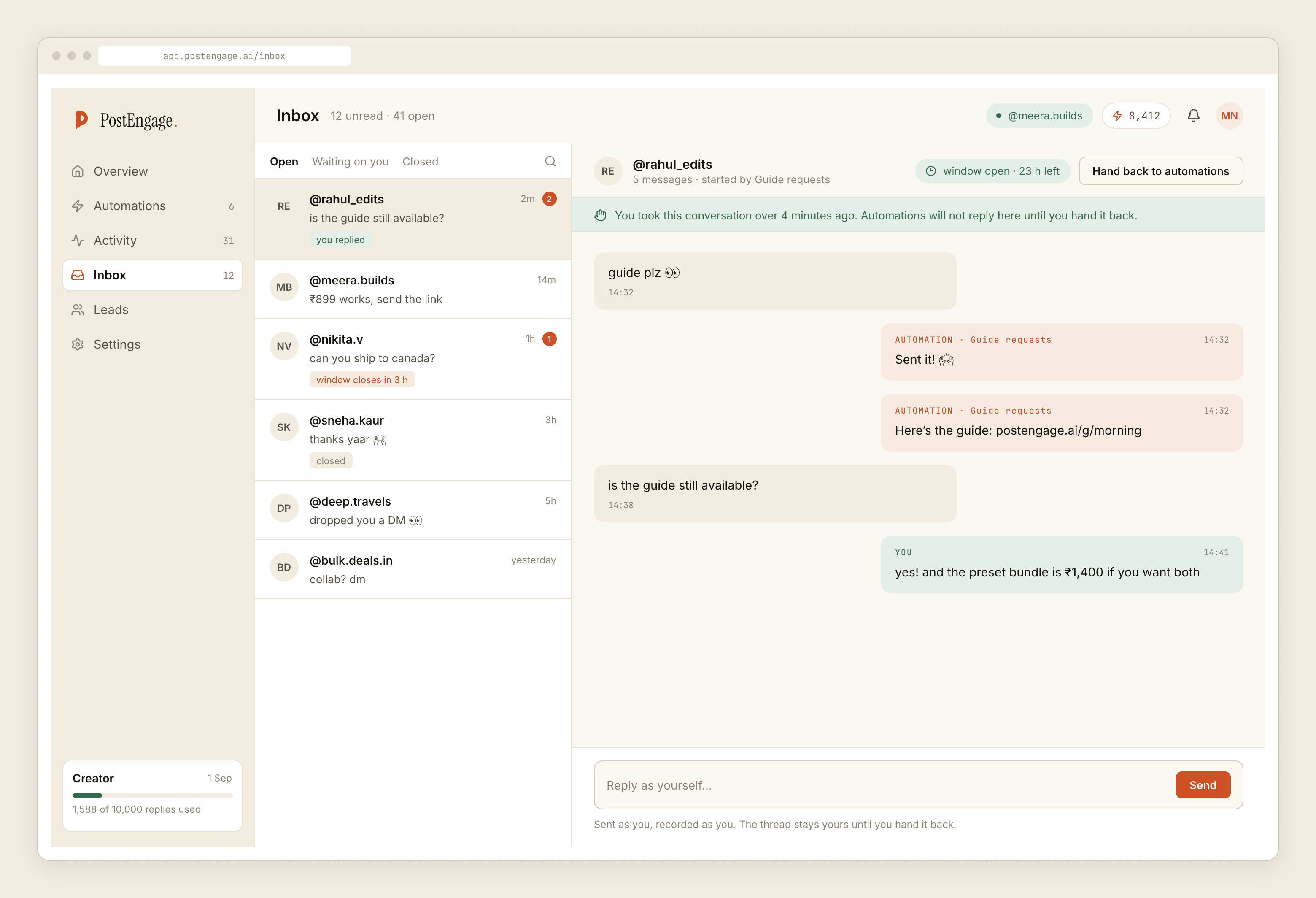
For photo-only threads, a hand-typed reply that names what you can see, because you can see it. That takes fifteen seconds and it is the correct use of a human in this system — the moment you reply by hand, takeover stands the automation down for that thread, so there is no risk of it talking over you afterwards.
For the caption, an instruction that produces text. Every business that gets this right has trained its audience without meaning to: their commenters type product codes, and the inbox is full of messages an automation can handle.
Where this leaves you
With a tool that answers questions asked in words, quickly and in your register, and a small daily pile of picture threads that need a person. That is the honest shape of it. It is not a hidden strength and we are not going to reframe it as one.
If the picture pile is large enough to be a problem, the fix is upstream in what your captions ask for, not downstream in the automation. And if the concern is speed on the threads that do need you, responding faster is mostly a triage problem rather than a tooling one. The broader list of ways an automation embarrasses an account in public is collected here.