Product · 7 min read
Branded Links for Instagram DMs: Your Domain, Not Your Tool’s

Somebody comments LINK on your reel. Your automation answers in their DMs, the way it should, and the message ends with a link. They look at it before they tap.
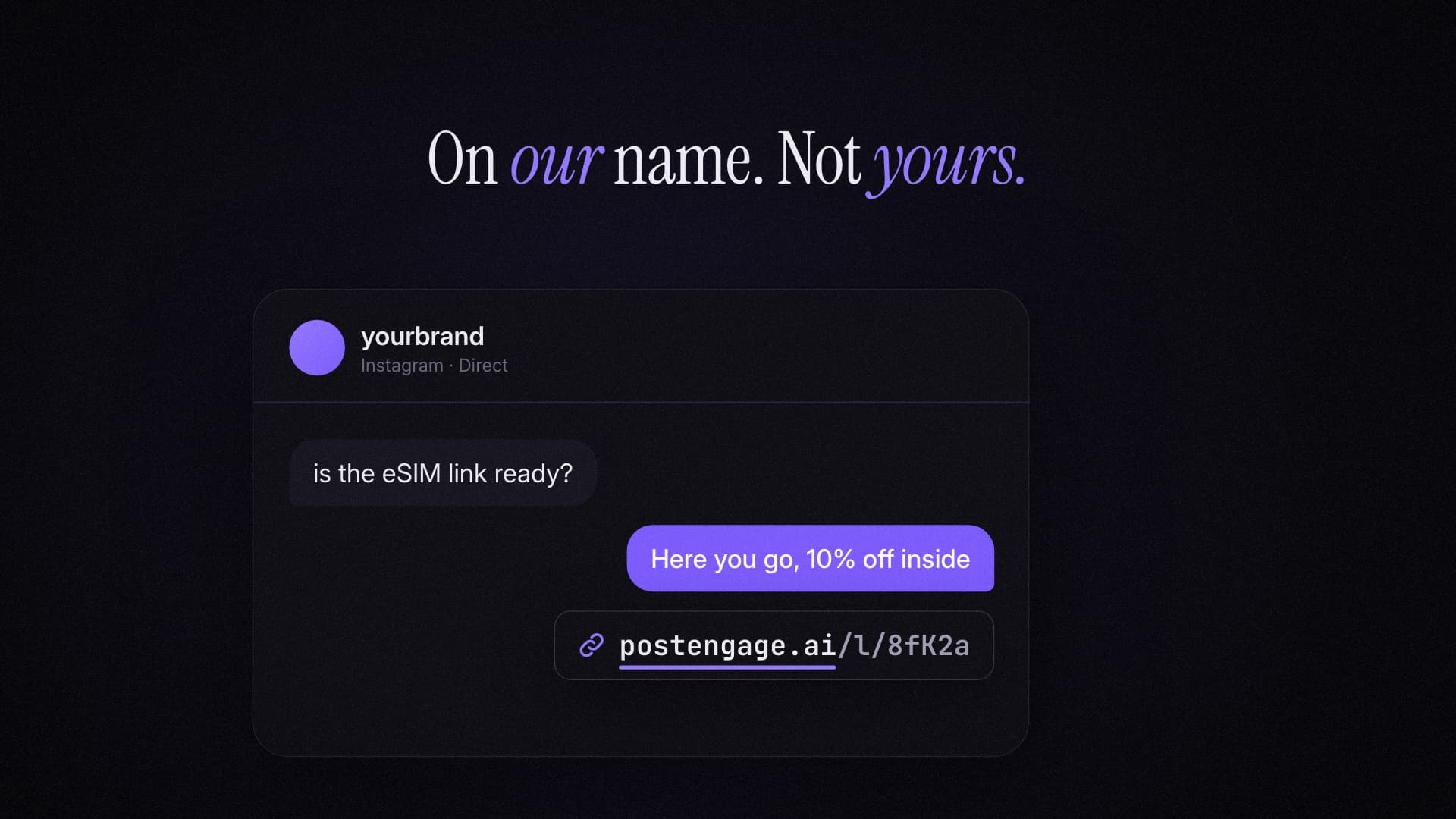
What they see is not your name. It is the name of the software you pay for: a link shortener's domain, or your automation tool's. For most accounts that has always been true, and it is so normal that nobody thinks about it. It is still a strange thing to ask of a stranger: tap this link from a company you have never heard of, inside a private message, because a brand you do know sent it.
Branded links fixes that one detail. Every link your DMs send goes out on a domain you own.
Why the domain on a link matters
A link is a small promise about where a tap will go. People read that promise from the domain, and they have been trained to. Banks, delivery companies and platform security teams have spent years telling everybody the same thing: check the domain before you tap. A domain that matches the brand passes that check without effort. One that does not match makes the reader stop and decide, and a stop in a DM is where attention leaks.
There is a second reader too, which is Instagram's own link handling. Every link sent in a DM gets fetched by Meta to build its preview, and the preview shows the domain. The first impression of your link, before anybody has tapped anything, is a card with a name on it.
The person asked you for the link. The link should look like it came from you.
Neither of those arguments needs a statistic to be true, and we would rather not dress them up with one. Some link-shortener companies publish uplift figures for branded links. We have not been able to trace how those figures were measured, so we are not repeating them. What we can tell you is what we measured ourselves, which turned out to be about counting rather than branding.
What we found when we counted taps honestly
Before building branded links, we looked at the links our customers' automations had actually sent. Over thirty days they sent 1,070 links. Of those, 1,000 showed at least one click, which is a click-through rate no DM has ever had.
The timing gave it away. 852 of those 1,000 first clicks arrived within five seconds of the link being sent. People do not open a DM, read it and tap a link in under five seconds, 852 times out of 1,000. What does arrive within five seconds is facebookexternalhit, Meta's crawler, fetching the page to draw the preview card. Our logs showed it plainly: about a quarter of every request to a link came from that one crawler, and most links recorded exactly two "clicks", the preview and sometimes a second fetch.
So the per-automation click numbers we had been showing were mostly Meta, not people. Most tools that count DM link clicks count the same way, because a redirect cannot tell a crawler from a person unless someone decides to check.
| Counted as | Before | Now |
|---|---|---|
| Meta's link-preview fetch | A click | Filtered out, shown separately |
| Other preview bots (WhatsApp, Slack, Telegram…) | A click | Filtered out |
| A person tapping in Instagram | A click | A click, with device and app |
| The same person tapping twice | Two clicks | Two taps, one person |
| Old taps from before the fix | Clicks | Anything within 5 s of sending treated as a preview |
That fix applies to every workspace, whether or not you use branded links, because a wrong number is wrong on every plan. The fuller breakdown of those taps is the part that comes with branded links.
What branded links does
Three things, and nothing you have to change in your automations:
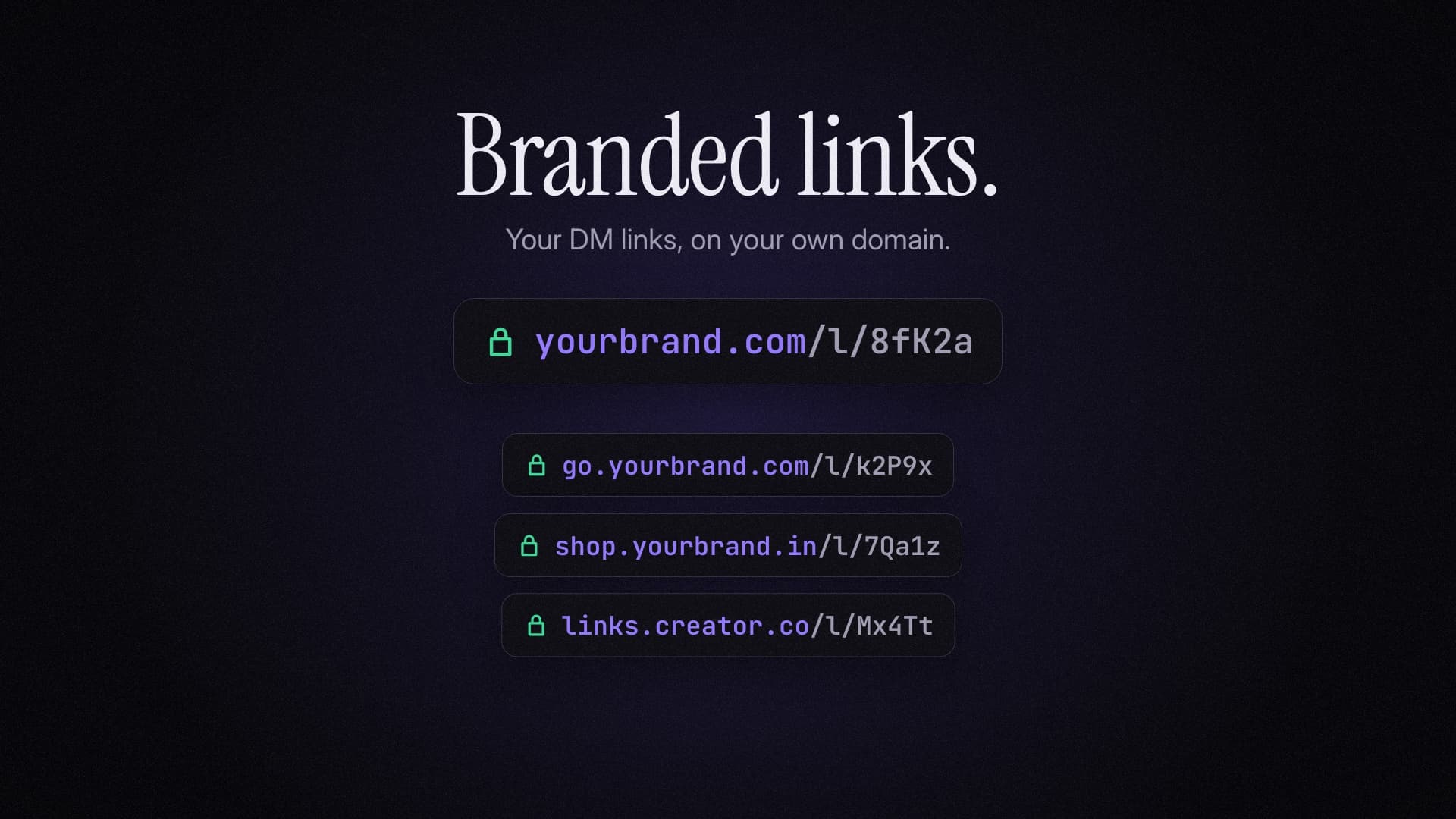
- Every new link uses your domain. Wherever an automation sends a URL, it is wrapped as
yourbrand.com/l/…instead ofpostengage.ai/l/…. The redirect goes to the same place. - HTTPS is automatic. When your DNS records check out, the certificate is issued and renewed without you doing anything. Your domain only answers link paths; anything else on it returns nothing, so it cannot be used to host something that is not yours.
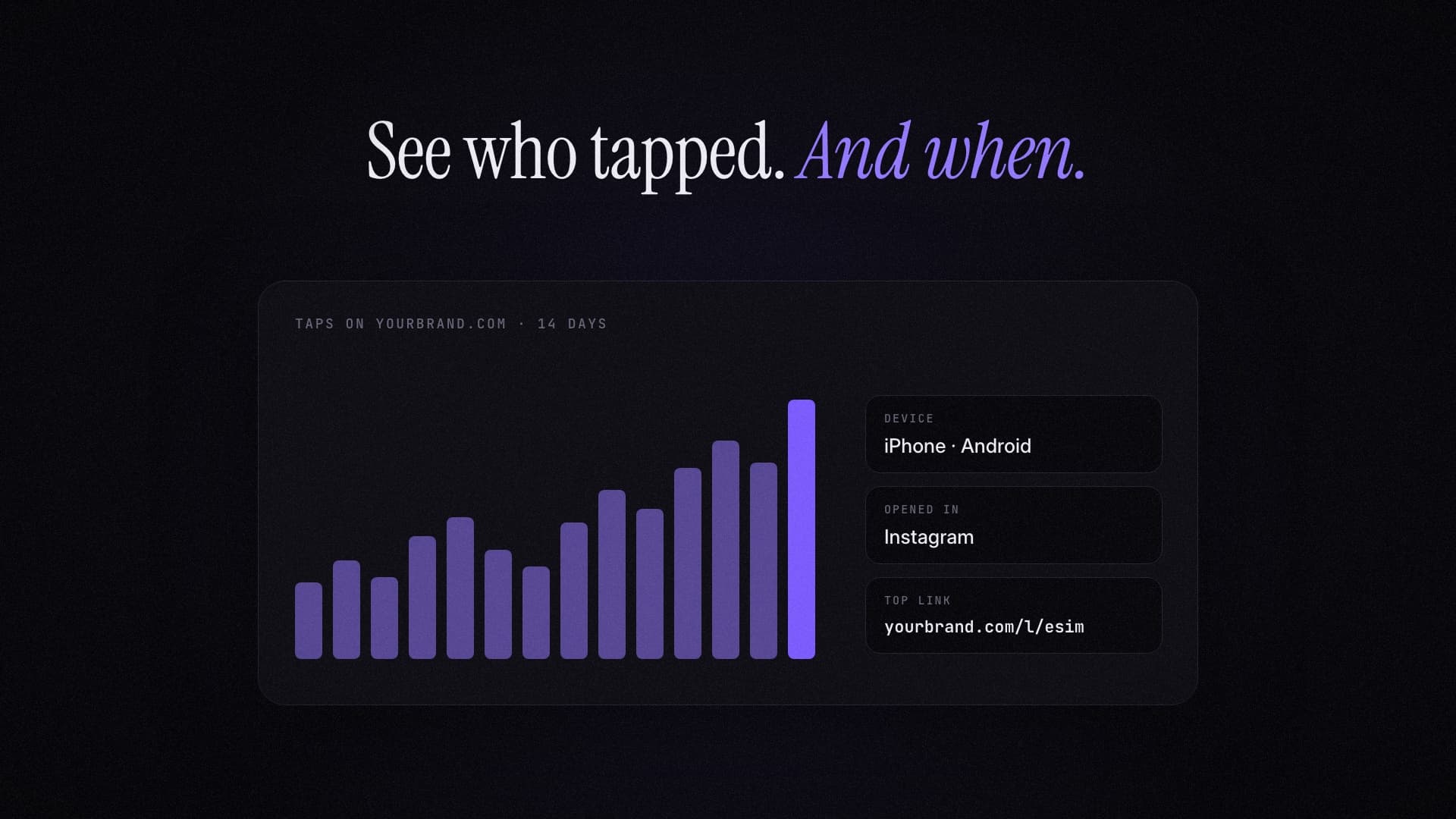
- Link insights. For the domain, and for all your links: taps per day and by hour, which phone, whether it opened inside Instagram's browser or a regular one, which country, and which destination and which automation did best, all with previews filtered out.
A link on another workspace's code cannot be opened through your domain, and yours cannot be opened through theirs. Each domain answers only for the workspace that verified it.
What it is not
It is not a white-label app. Your followers never see PostEngage in the first place: the DM comes from your Instagram account, written in your voice. What branded links changes is the last visible trace of the tool, the domain on the link.
It is also not a link-in-bio page, a landing page builder or a URL shortener you use by hand. It applies to links your automations send in DMs. If you want a short branded link for a story or a caption, that is a job for a separate tool.
Setting it up
The full walkthrough, with steps for Cloudflare, GoDaddy, Namecheap and Hostinger, is in the branded links guide. The short version:
- 01
Pick a subdomain
go.yourbrand.com or links.yourbrand.in. A subdomain leaves your website alone.
- 02
Enter it in Settings, Add-ons, Branded links
The page shows the two DNS records for exactly that domain, with copy buttons.
- 03
Add a CNAME and a TXT record
Where your domain is managed. The CNAME points links at us; the TXT proves the domain is yours.
- 04
Press Check now
When both records are visible, HTTPS is issued automatically, usually within a couple of minutes, and every new link uses your domain.
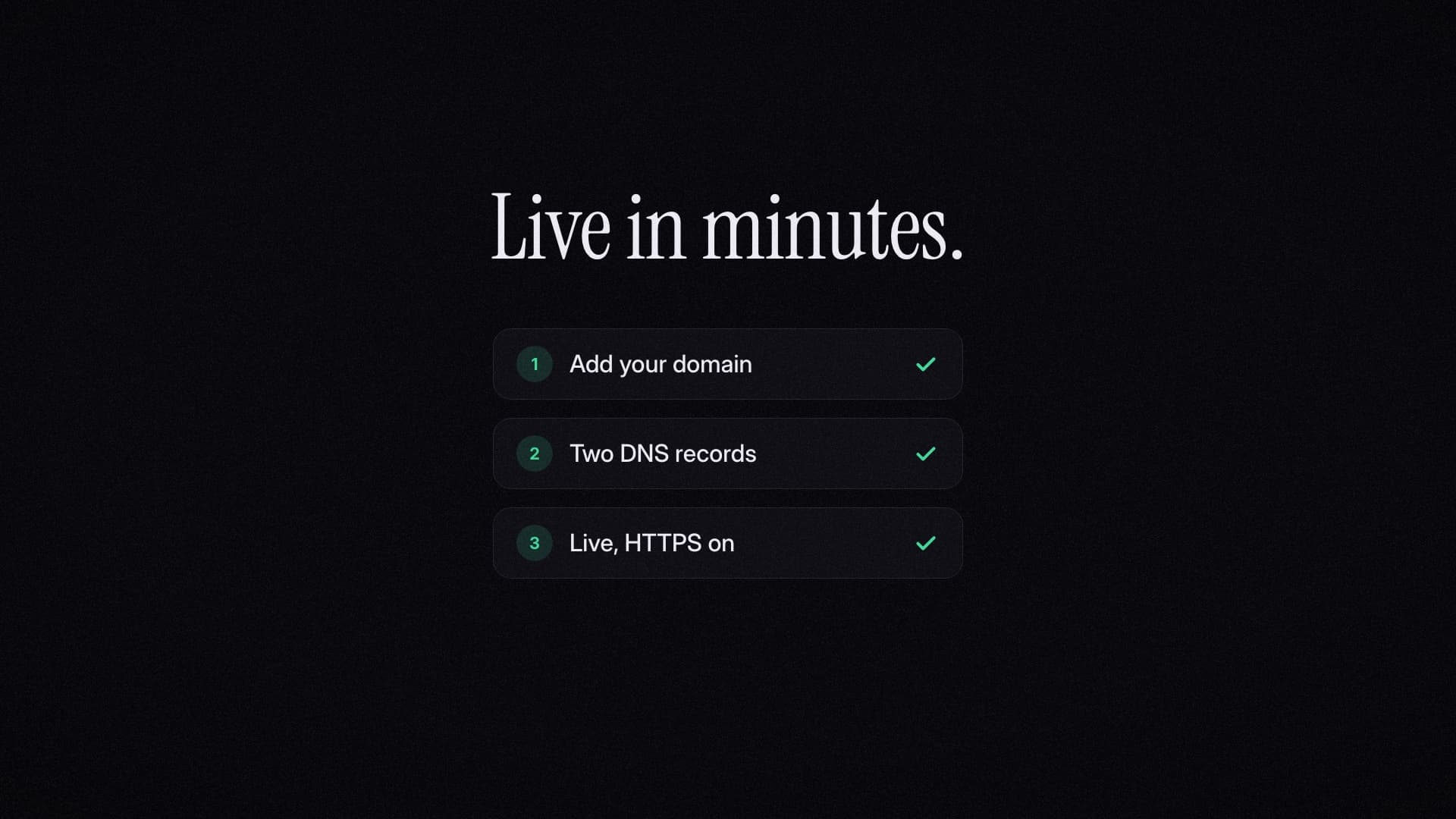
Links you sent before keep working on postengage.ai, so switching has no cut-over moment. If your DNS changes later, we notice within the hour, new links fall back to postengage.ai until it is fixed, and the setup page tells you what changed.
Is it worth it for you?
Tick whatever applies. It is a rough guide, not a verdict.
Checklist
If you ticked three or more, it is probably worth the $7. If your DMs rarely contain a link, it is not, and the honest advice is to skip it. The corrected tap counts already apply to your account either way.
Pricing, plainly
Branded links is included in Studio. On Free and Creator it is an add-on at $7 a month or $60 a year, without changing your plan. You add it from Settings, Add-ons, and cancel the same way; it keeps working until the end of the period you paid for. Every purchase is final, which is the same rule as everything else we sell, and why the setup guide is detailed enough to decide before you pay.
The reason it exists as a small add-on rather than only inside a bigger plan is the first person who asked for it. They needed their links on their own domain and nothing else, and a plan with five accounts and three seats was the wrong answer to that question. Most single features should work that way, and more will.
Questions people ask
What is a branded link in an Instagram DM?
A short tracking link that uses your own domain instead of your automation tool’s. Instead of a follower receiving postengage.ai/l/8fK2a, they receive yourbrand.com/l/8fK2a. It redirects to the same place and is counted the same way; the name on it is yours.
Do branded links get more taps?
We do not have a measured answer yet and will not invent one. What we can say is what the link looks like to the person reading it: a domain they already associate with you, rather than the name of software they have never heard of, arriving in a private message. We will publish tap rates on branded domains once enough of them have run to say something true.
Why were my DM link clicks so high?
Very likely because Meta fetches every link sent in a DM to draw its preview card, within seconds of sending, and most click counters record that fetch as a click. When we checked 1,070 links our customers sent in thirty days, 852 of the first 1,000 recorded clicks arrived within five seconds of the link being sent. We now filter those out.
Do I need a new domain?
No. A subdomain of the domain you already have, such as go.yourbrand.com, is the usual choice and leaves your website untouched. A separate short domain works too if you want the shortest possible link.
What does it cost?
Branded links is included in the Studio plan. On Free and Creator it is an add-on at $7 a month or $60 a year. Every purchase is final; cancelling stops the renewal and it keeps working until the paid period ends.
Will my old links break if I switch?
No. Links already sent keep working on postengage.ai. Only links sent after your domain goes live use it.