Playbooks · 5 min read
The Shape of WhatsApp's Messaging Limits, Without Numbers

Somewhere in your first month on this platform, a campaign will not go out to everybody it was meant to go out to. The list was fine, the template was approved, the vendor did nothing wrong. Your number had a ceiling and you found it.
Messaging limits are the least-explained mechanism on the WhatsApp Business Platform and the one that most reliably breaks a plan. What follows is the shape of it, which is durable. The values are not here, because they are Meta's and Meta moves them.
What is being limited
Not messages. Not replies. The number of distinct people your number may open a conversation with in a rolling period.
That distinction is the whole thing, and getting it wrong sends teams down the wrong debugging path for days.
Counts against the limit
Does not
So a support-heavy business with a busy inbound inbox can run for a long time without ever meeting the ceiling, while a quiet business running one monthly campaign meets it immediately. Volume is not the axis. Reach is.
It is a ladder, and it goes both ways
Three structural properties worth holding on to.
It is attached to the phone number, not to your account or your plan. A second number starts wherever a new number starts. Buying a bigger plan from your software vendor does not raise it, and any vendor implying otherwise is describing something they do not control.
It moves up on a combination of behaviour and quality. Sending sensibly to people who wanted it, over time, is the mechanism. There is no application form, and there is no shortcut that is not just "do the boring thing for longer".
It moves down too. This is the part businesses do not plan for. A ceiling is not an achievement you bank; it is a current assessment, and a bad campaign can undo months of careful sending. The direction of travel is set by the same recipient reactions that drive the quality rating.
A limit you climbed to over six months can be given back in an afternoon by one send to a list you bought.
What this does to your planning
- Design campaigns as queues, not as blasts. A tool that attempts your whole list at once will hit the ceiling and fail messily. A tool that paces sends across the period turns the ceiling into a schedule instead of an error.
- Segment before you send, not after you fail. If you can only reach a fraction of your list this period, the useful question is which fraction — most recent buyers, most engaged, most relevant to the offer — rather than whichever rows the tool happened to process first.
- Do not solve it by adding numbers. Splitting a list across several new numbers to escape a ceiling is the pattern the ceiling exists to catch, and each new number starts at the bottom anyway.
- Build the inbound side deliberately. Every conversation a customer starts is one you can answer without spending reach. A business that makes it easy for people to write in has a structurally cheaper and less constrained channel.
The fourth point is the strategically interesting one. Most teams treat inbound as a cost centre and outbound as the growth engine. On this channel the economics and the constraints both point the other way.
Questions worth putting to a vendor
Three, and they separate the tools in this category more sharply than any feature list.
What does the software do when the ceiling is reached mid-campaign? Stop, queue and resume, or fail the remainder silently? All three exist. Only two are survivable.
Can I see which recipients were not reached, and why? If the answer is a success count, the tool cannot be debugged on the day it matters.
Does the tool pace sends by default, or only if I configure it? Defaults are what you actually run, especially in the first month when you have not learned what to configure.
The thing that is not a workaround
There is a persistent belief that a bigger vendor plan, a verified badge, or a paid escalation raises the ceiling. None of them does. The ceiling is between your number and Meta, and it is earned by messaging people who wanted to hear from you, for a while, without incident.
That is genuinely all of it. It is also why the businesses that scale on this channel are usually the ones that were unglamorous about consent from the start, rather than the ones that optimised hardest.
Where we actually stand
PostEngage does not ship WhatsApp. Everything above is how the platform behaves, not a description of something you can configure with us today.
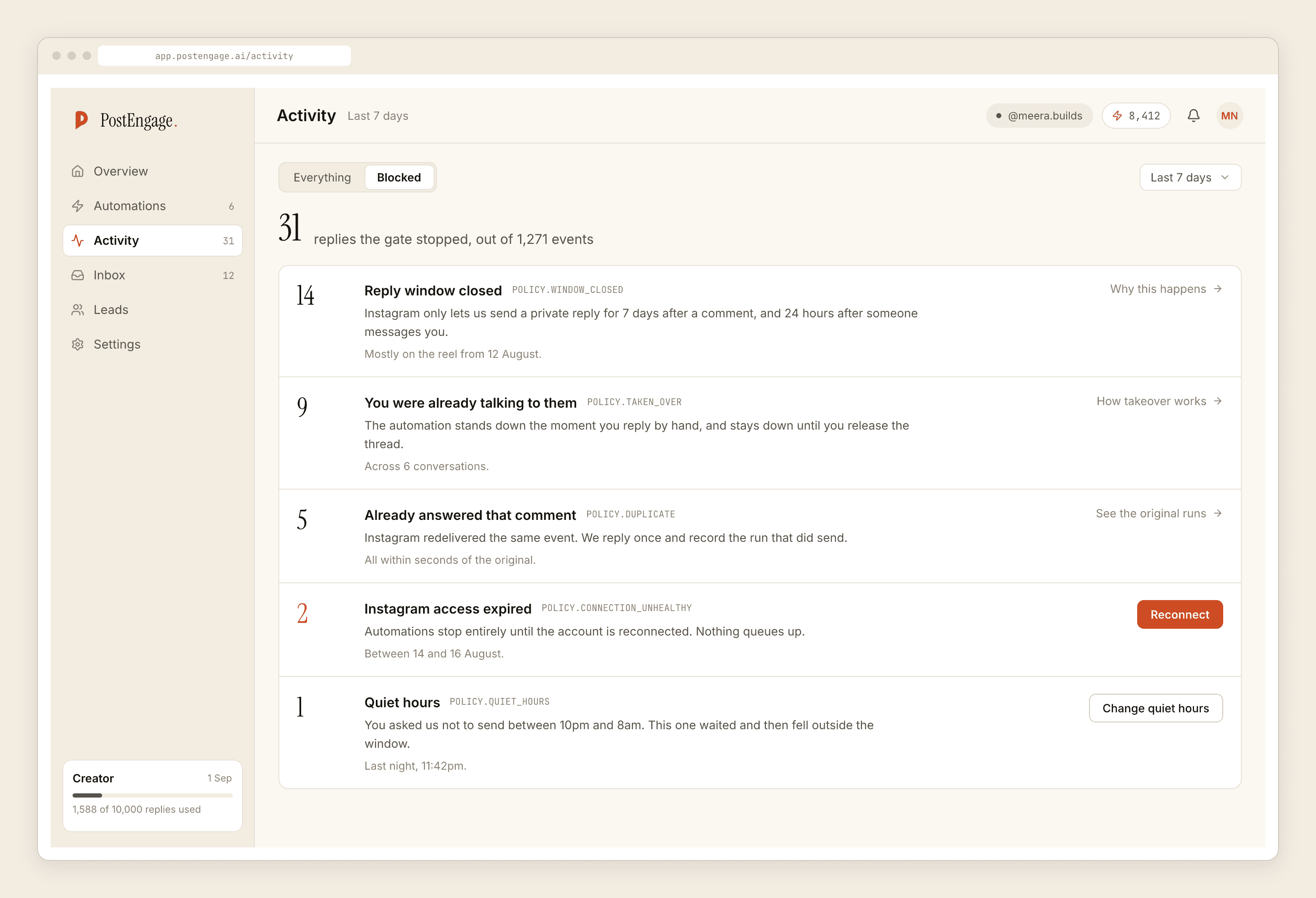
On Instagram, where we do run, there is no outbound reach to ration at all — the product replies to people who commented or messaged first. The equivalent mechanism in our own gate is a rate budget, which converts a spike into a queue rather than a burst, and a cooldown that stops one person receiving two replies in quick succession.
If you want the health signal that drives this ceiling, the quality rating post explains it. If a restriction has already landed, the honest sequence is here. And if you got here comparing vendor plans, those tiers are a different thing entirely.