Tutorial · 6 min read
Map Your Instagram Journey From Real Messages, Not a Template
On this page
- What you need in front of you
- Step one: sample, do not read everything
- Step two: six columns, and no interpretation yet
- Step three: let the categories come out of the data
- Step four: the tally is the map
- Step five: mark the owner of each row
- Step six: read the blocked list for the stage you cannot see
- What you do with it on Monday

Journey maps mostly get downloaded. Awareness, consideration, decision, advocacy, five boxes and an arrow, and then a team spends a morning arguing about which box a DM belongs in.
The map you need is not that. It is a tally of what people actually typed to you last month, sorted by what they wanted, with a note against each row saying who should answer it. It takes an afternoon, it is built in a spreadsheet, and the whole value is that it disagrees with the template in at least two places.
What you need in front of you
Four sources, all of which you already have.
- A month of DMs. The Instagram app is fine for this. You are reading, not exporting.
- A month of comments on your posts from the same period.
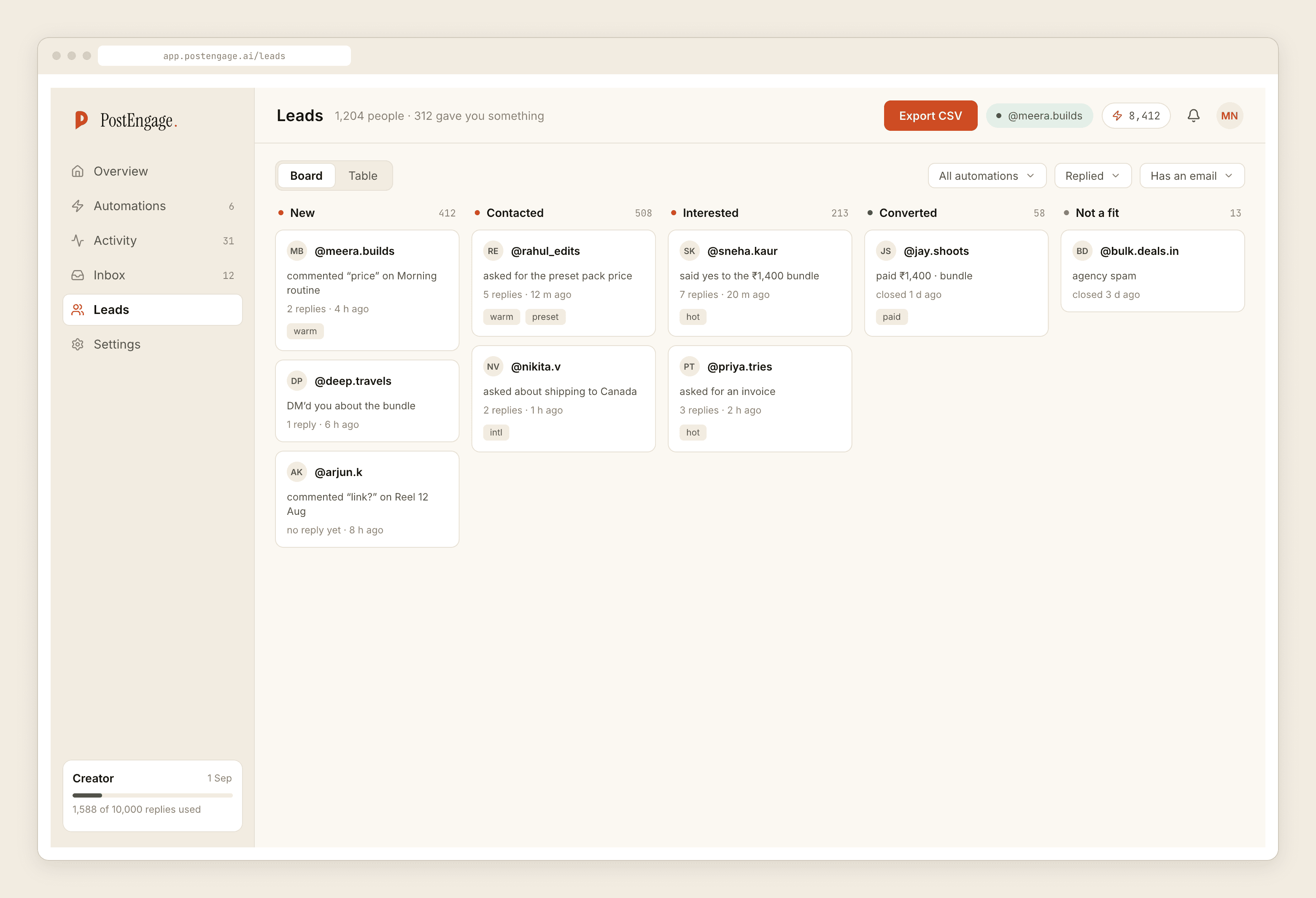
- Your Leads export. It comes out as a CSV — name, the message, the post it came from, the timestamp. There is no CRM sync and no dashboard that does this analysis for you, which is the honest situation and also why the spreadsheet is the tool.
- The Activity list, filtered to blocked. This is the source nobody uses and it holds the stage that is invisible everywhere else.
Step one: sample, do not read everything
A month is enough. If a month is more threads than you can face, take every fifth one — the pattern shows up long before you have read them all, and exhaustiveness is how this exercise gets abandoned at thread forty.
Set aside the threads that are obviously not customers: spam, collab pitches, your own friends. Count them, then ignore them. That count is useful later and it is not part of the journey.
Step two: six columns, and no interpretation yet
One row per conversation. Resist analysing while you enter data — the analysis happens at the tally, and doing it early is how you end up confirming the template you were trying to avoid.
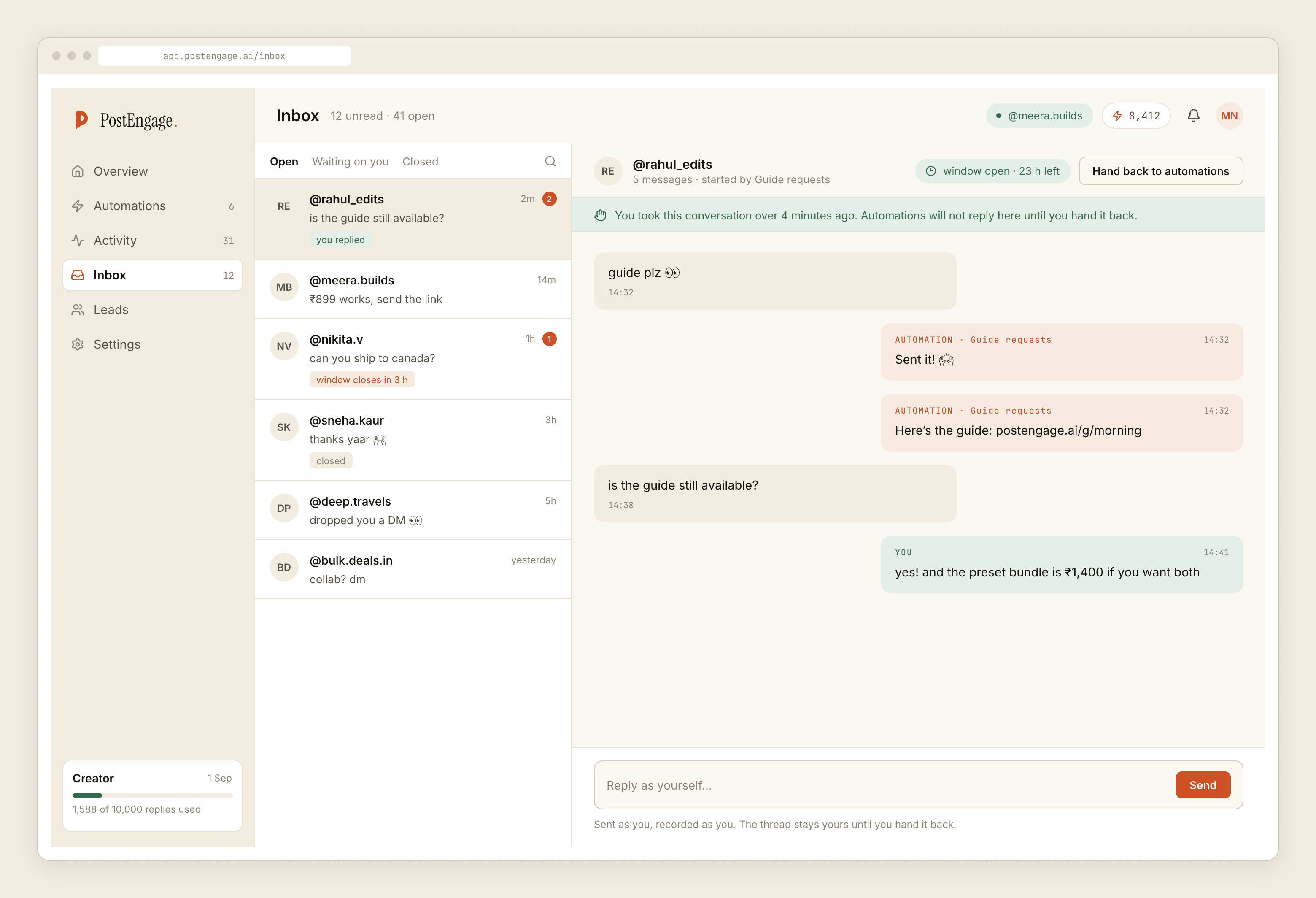
- Where it started. Comment, story reply, DM out of nowhere, ad. This decides which clock you were on: 7 days for a comment, 24 hours for a DM.
- Their first message, verbatim, first few words. Copy it. Do not summarise. The exact words are the raw material for your keywords later, and people never type the word you would have guessed.
- What they wanted. Leave this blank on the first pass. You cannot name the categories until you have seen the messages.
- Did they get a reply, and how fast. Same day, next day, never.
- Did they write again. A yes here is the most under-rated signal in the sheet — it means the conversation actually started.
- How it ended. Bought, went to a call, got their answer, went quiet, complained.
Step three: let the categories come out of the data
Now go back and fill column three, and do it with one rule: do not create a category until you have seen it three times.
This rule is the entire difference between a map and a projection. Without it you will invent "considering options" because a framework told you that stage exists, and you will file two ambiguous messages under it.
Keep an "other" bucket. If other ends up bigger than your smallest real category, you sampled badly or your categories are too narrow. Split and re-run.
Step four: the tally is the map
Sort by category and count. This is the deliverable — not a diagram, a ranked list.
Three things reliably surprise people at this point.
The top question is usually not price. It is availability, or delivery time, or one specific product detail that your captions do not mention. Price is the question people expect to dominate and it rarely does.
One entry surface dominates. Almost every account is lopsided — nearly all comments, or nearly all story replies — and most accounts have never noticed which. It matters, because it tells you whether you are usually working with a week of room or a day.
A large share ended in silence. Not rejection. Silence. It is the most common ending on this platform and no template map has a box for it.
Step five: mark the owner of each row
One column, three values.
Template. You would answer this identically every time. Copy the reply you actually sent into the sheet — that text is your template, already written, already in your voice. These are free and unlimited to send, so every row marked this way is volume you stop paying attention to.
Generated. A real question, answerable, but different each time. Worth a credit — one credit, one reply — and only after the template rows are handled. The free tier is 100 credits with no card, and packs start at ₹499, which is more than enough to test whether this pile is as big as you think.
Person. Anything with money, anger, or somebody's specific situation in it. If a row makes you hesitate, it is this one.
Step six: read the blocked list for the stage you cannot see
Everything above is built from conversations that happened. The blocked list is the record of the ones that did not.
A stack of closed windows means messages arrived and the reply came too late to be allowed. A stack of duplicates means two of your triggers overlap. Quiet-hours holds released in the morning are healthy. Each blocked run names the check that stopped it, which makes this the only part of the map that comes with its own explanation attached.
Every journey map has a stage where nothing was sent. Most of them just do not know about it.
What you do with it on Monday
Take the top three categories. For each one, write the reply you already send, pick the keyword from the verbatim column rather than from your imagination, and build one automation. Not three. One, tested on yourself, live on one post.
Then re-run this whole exercise in a quarter. The categories move — a new product, a viral reel, a change in what your captions leave out — and a map from January describes January.
The stage-by-stage view of what you are mapping is in the shape a DM conversation takes. The sorting rule for column five is worked through in how to respond faster without sounding automated. And when you get to the keyword field, choosing words your audience actually types is where the verbatim column pays for the afternoon.