Product · 4 min read
Why Instagram Auto-Reply Setup Takes Longer Than It Should

Every vendor in this category quotes a setup time and every one of those numbers is measured from the same point: after your account is connected. That is not dishonest, exactly. The build genuinely is short — ours is five fields and about three minutes, and this post is not going to repeat those steps.
The problem is that nobody's afternoon disappears into the builder. It disappears into the handshake in front of it, and that part is mostly not the vendor's to fix.
The build is short because the decisions are few
Worth saying why, because it explains where the time actually goes.
A comment auto-reply is: which post, which words, what appears publicly, what arrives as a DM. Four of those five have an obvious answer for anyone who has read their own comment section once. There is no state to model, no branching to design, no integration to map. If a tool makes this part long, that is a product decision rather than a platform requirement, and it is worth noticing.
Nothing about connecting an Instagram account is difficult. It is just serial, and every step is owned by somebody different.
Where the afternoon actually goes
Four things, roughly in the order they bite. None of them are hard. All of them are waiting on someone.
- The account has to be professional. Business or Creator, either works. Converting takes two minutes in the Instagram app. The delay is not the conversion, it is that people stop to research the difference and lose twenty minutes to a comparison that does not affect any of this.
- The consent screen has to be completed properly. Every toggle on, and it is worth reading them rather than tapping through. One permission left off produces a setup that appears to work — the tool sees comments — and then silently sends nothing, which you discover as a mystery three days later.
- You have to connect the right account. Where you run several Instagram accounts, picking the wrong one is common and completely silent. Everything afterwards applies correctly to an account you were not thinking about.
- The vendor has to already be approved. Access to the messaging permission is granted to the app, not to you. If a vendor is still waiting on review, you inherit the wait, and no amount of clicking on your end shortens it.
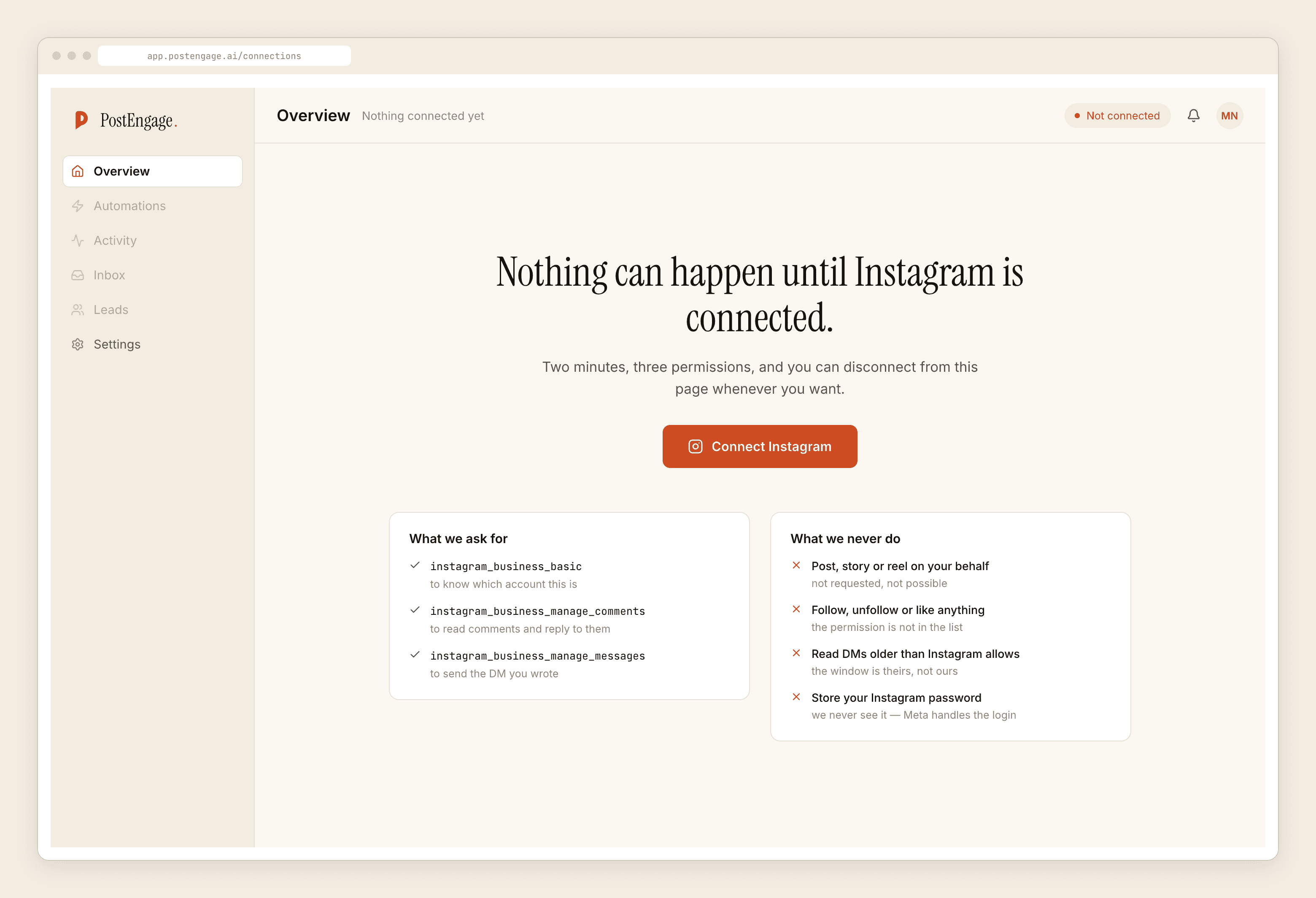
Steps one to three are minutes each if nothing is unusual. Step four you can settle before you sign up, by asking.
How to make it short
Two more that genuinely save time.
Ask the vendor whether they are approved today. One line in a chat window. A vendor that answers plainly is also telling you something about the rest of the relationship. It is one of the questions in the fifteen-minute vendor audit, along with the ones that matter more.
Read the permissions screen once, properly. It is the only description of the tool's powers that the vendor did not write, and it takes thirty seconds.
The part vendors do make slow
Some of the time cost is a product decision, and it is fair to hold it against them.
A tool that requires you to model an entire conversation as a flowchart before it will send one reply has made the simple case pay for the complicated one. So has a tool that asks you to write a persona description, define an audience segment and connect a CRM before the first message can go out. If you want a branching funnel, that work is the product. If you want to answer price under one Reel, it is a tax.
The reasonable shape is that the small thing is small and the large thing is available later. You should be able to ship one narrow automation on day one and add quiet hours, a second automation and first-time-sender filtering next week, without redoing anything.
The last slow part is not configuration
Once connected, the thing that takes longest is not clicking. It is deciding what to say.
Scroll your own sent DMs for ten minutes and write down the four answers you type most. That exercise is worth more than every setting in the builder, because those four answers are what the automation is going to send a few hundred times, and they are the part no tool can produce for you.
Then build one automation, try it before going live, and read the reply as the person receiving it would. The three-minute version has the actual steps, and the week-long version is the same thing paced so you are still running it in three months.
Templates cost nothing to send at any volume, so the automation you ship on day one costs nothing to leave running while you decide whether to widen it. The free tier is a hundred credits with no card, which is enough to find out whether the generated replies are worth switching on at all.