Compliance · 6 min read
Testimonials Are Someone Else's Words. Ask Before Using Them
A customer writes "honestly the best thing I bought this year". Two days later it is on your grid, in a serif font, on a cream background, with their handle underneath.
Somewhere between those two events, a private sentence became public marketing. The question this post is about is whether anything happened in between, because in most accounts nothing did.
The related question of who you are allowed to ask — and why filtering for happy customers is a dark pattern with real consequences — is covered properly elsewhere. This post starts after somebody has already said something good, and it is about the words.
Three obligations, in order
Consent. Explicit, specific, and given after they know exactly what you intend to do.
Accuracy. Their sentence, not your improved version of it.
Custody. A record of what they agreed to, kept somewhere you can find it in a year.
None of that is legal advice and none of it is complicated. It is mostly the discipline of asking a clear question and writing the answer down.
Consent is specific, and it is not one question
"Can I share this?" is too vague to be consent, because you and they are almost certainly picturing different things. Share it where? With their name on it? For how long? In an ad?
Ask for the actual use, in the actual words:
Would you be okay if we put this on our page? We would use exactly what you wrote, with your handle. Totally fine if not.
Three things are doing work in that. It names the surface. It says the words will not change. It makes the no easy and visible, which is the difference between a request and a squeeze.
If you later want to use it somewhere else — a paid ad, the website, a printed thing — that is a new use and it needs a new ask. Consent for a story is not consent for a billboard.
And it can be withdrawn. If somebody messages you in April asking you to take their face off your highlights, you take it down that day and you do not negotiate. Write that into whatever passes for your process now, because you will not want to when it happens.
Never pay for it, in any currency
No discount codes for a testimonial. No free month. No entry into a giveaway. No "post a story tagging us and get a discount".
Two reasons, and the second is the one that should actually stop you.
The first is that an incentivised endorsement is a paid endorsement, and undisclosed paid endorsements are against advertising rules in most places and against platform policy in more or less all of them. That is a risk you are taking on behalf of a customer who did not know they were taking it.
The second is that it corrupts the thing you wanted. Somebody writing for a discount writes what they think earns the discount. You end up with a wall of pleasant, interchangeable sentences that no reader believes, having spent money to make your social proof worse.
The reason an unpaid testimonial is worth something is precisely that nothing was given for it. Pay for it and you have bought the sentence and destroyed the asset.
Do not edit the words
This is where well-meaning people go wrong, because editing feels like craft.
You may not fix their grammar into a marketing sentence. You may not translate "kapda ekdum mast hai, delivery thodi late thi" into "excellent fabric quality". You may not drop the "but delivery was slow" clause and keep the rest. Removing the qualification changes the claim, and a changed claim attributed to a named person is not a trim, it is a fabrication with their handle on it.
The one edit that is defensible is trimming for length with an ellipsis where the meaning is unchanged — and then showing them the trimmed version before it goes anywhere.
Screenshots have their own trap. A screenshot of a DM shows things beyond the sentence you wanted: their profile picture, their handle, sometimes the messages above it. If you are going to post a screenshot, say so specifically when you ask, and crop it to the message rather than the thread.
What automation may and may not do here
May: send the same ask, in the same words, at the same trigger, to everybody who reaches it. No branch on sentiment, no screening, no different version for the enthusiastic ones.
May: make the refusal easy, in the template, every time.
May not: ask a second time. May not: reply to the testimonial itself with a template. Somebody who has just written you three warm sentences and gets a canned thank-you has learned something about your account that you did not want them to learn. Type that one.
May not: be the thing that handles a reply which turns out to be a complaint. "How did you find it?" sometimes gets "honestly, terrible". That branch goes to a person who has read the whole thread — the moment you reply by hand, takeover stands the automation down in that thread, which is what makes this recoverable at all.
What this product does not do
There is no testimonial feature. No gallery, no widget, no wall of quotes, no UGC rights management, no integration with a review platform, no way to collect a star rating. We reply to people; we do not create posts, so nothing here designs your quote graphic either.
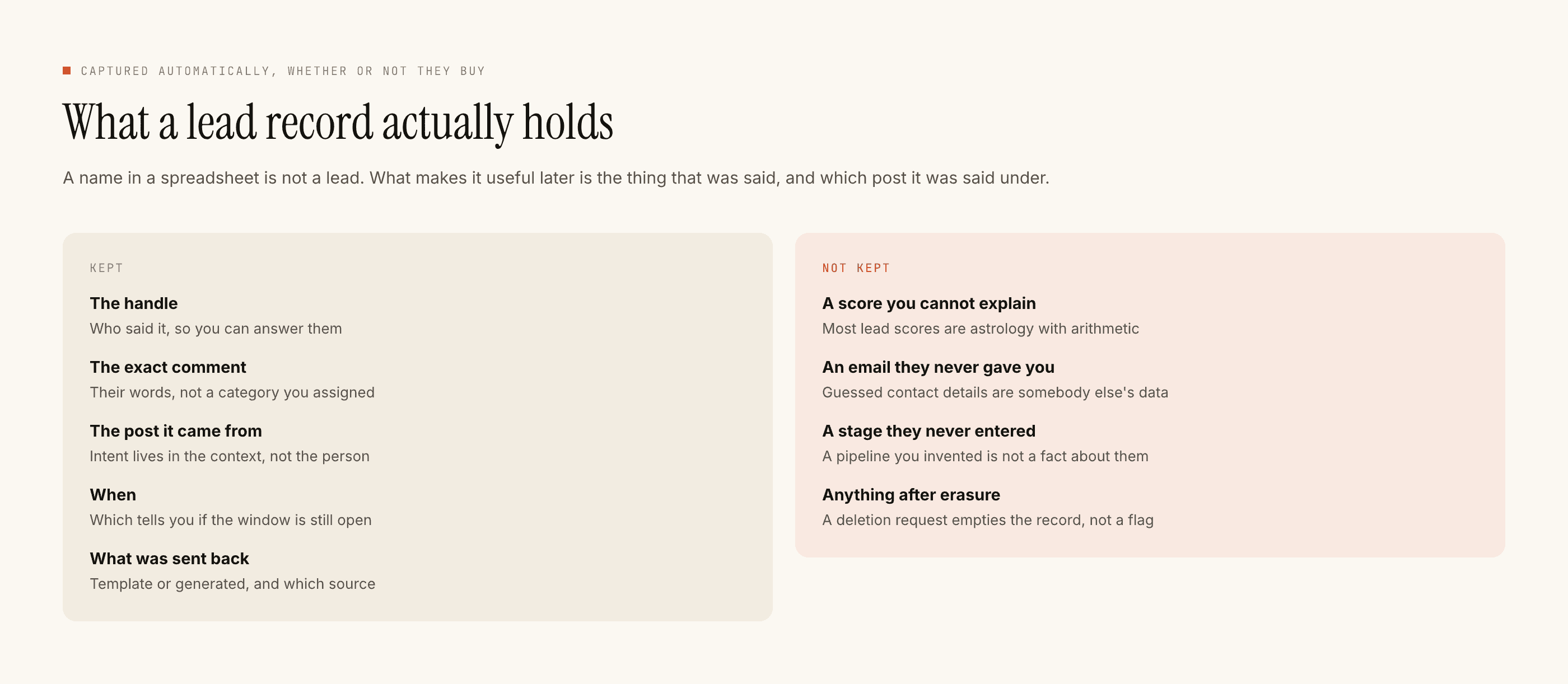
What exists is the conversation and the record of it: the handle, what they typed, which post caught them, and notes you write yourself. That data leaves as a CSV. What is and is not stored about a person is worth knowing before you start keeping consent notes in it.
The short version
Ask for the specific use. Take the no. Use their words exactly. Never pay for it. Write down what was agreed and when. Take it down if they ask.
Every one of those costs you something small and protects something large, which is the same trade the rest of the ethics of automated messaging keeps making. A testimonial is the one piece of marketing you did not write, and that is entirely the point of it.