Playbooks · 6 min read
Florists on Instagram: The Stock Changes by the Hour

3:40 in the afternoon. One message, one line: "red roses aaj mil jayenge? Andheri delivery."
That is three questions stacked together — do you have the stock, can you reach that area, and can you do it today — and an automated reply can answer none of them correctly, because all three depend on things that were different at eleven this morning.
Most of this series is about inboxes where the risk is regulatory. A florist's risk is simpler and lands faster. You are selling something that dies, on a deadline, for occasions where people remember what went wrong for years.
Stock is a fact about this morning
A menu is stable. A bouquet is assembled out of whatever arrived from the market and whatever has already gone out the door today.
Which is why the single most common automation a flower shop builds is the one it should not: a template that confirms availability. "Yes, we have red roses" is true when you write it and false by four o'clock on the fourteenth, and the customer who read it has already told somebody the flowers are coming.
The same goes for colour ("do you have blue orchids"), for size ("100 roses"), and for anything specific enough that a substitution would be noticed. Substitution is normal in this trade and customers accept it when it is explained by a person. It reads as a bait-and-switch when the confirmation came from a bot and the substitution came later.
A template confirming stock is a promise made by software about a bucket it cannot see.
The automated reply that works says what is true regardless of the hour: what you make, which areas you reach, and that someone will confirm the specific flowers with them. Then a human looks in the bucket.
The cut-off is a promise about a van
Every florist has a same-day cut-off, and every florist is tempted to put it in the template. "Order before 2pm for same-day delivery."
At 11am that sentence brings in orders. At 4pm it is still sitting there, in a channel where messages arrive at every hour, telling somebody something you cannot honour — and worse, it reads as a rule they have already missed, so the ones who could still be squeezed onto the last run do not bother asking.
There is no scheduling in this product. A template does not change its wording at two o'clock, and nothing here will switch it for you. Quiet hours can stop replies going out during a window you choose, which is a blunt instrument for a shop where the evening messages are the anniversary panics you actually want.
So the honest template does not state a cut-off as a fact. It states the shape: same-day depends on which run has not left yet, tell me the area and the time, someone will confirm in a few minutes. That sentence is true at 11am, at 4pm and at midnight, which is the only property that matters in a channel with no clock on it.
The condolence order
This is the one that separates a flower shop from every other retail inbox, and it deserves to be designed for before anything else.
Some fraction of your messages are from people who have just lost somebody. They arrive plainly worded, often at odd hours, often from an account that has never written to you before. And they land in the same automation as everyone else.
An exclamation mark under that message is bad. An emoji is worse. "Great choice! Would you like to add chocolates and a balloon?" is the kind of screenshot that follows a shop around for years, and every automated upsell rule ever written will happily produce it.
And never let an automation touch the card message. People write the most private sentence of their year into a DM and expect it copied onto a card by hand. Nothing should acknowledge it, repeat it back, or capture it into a leads export.
The surprise, and the public reply field
A comment automation posts publicly, under your post, tagged to the person who commented. Now consider who reads a florist's comments.
Someone asks, under a bouquet photo, about delivery on Thursday. Your automated public reply says something warm about getting flowers to their door for the anniversary. Their partner follows your account. That is the surprise, spoiled by a template, in public, with your name on it.
Keep the public reply generic to the point of dullness — "sent you a DM" is genuinely the right content — and put everything specific in the private reply. This is one of the few businesses where the public field should carry no information at all.
The three days that break everything
Valentine's Day, Mother's Day, Rakhi and the wedding weeks are not a busier version of a normal day. The inbox composition changes: mostly first-time senders, mostly same-day, mostly panicking, and mostly asking the exact questions your evergreen templates are worst at.
The move is to switch the evergreen automation off for those days and run a temporary one written for that occasion, then switch it back. Because nothing schedules itself, "switch it back" is a task on a human's list, and the shops that skip it spend late February telling everyone about a Valentine's offer that ended.
What to capture while it is running: occasion, area, and the date needed. Not the card message, not the recipient's address, not the recipient's name.
What it will not do
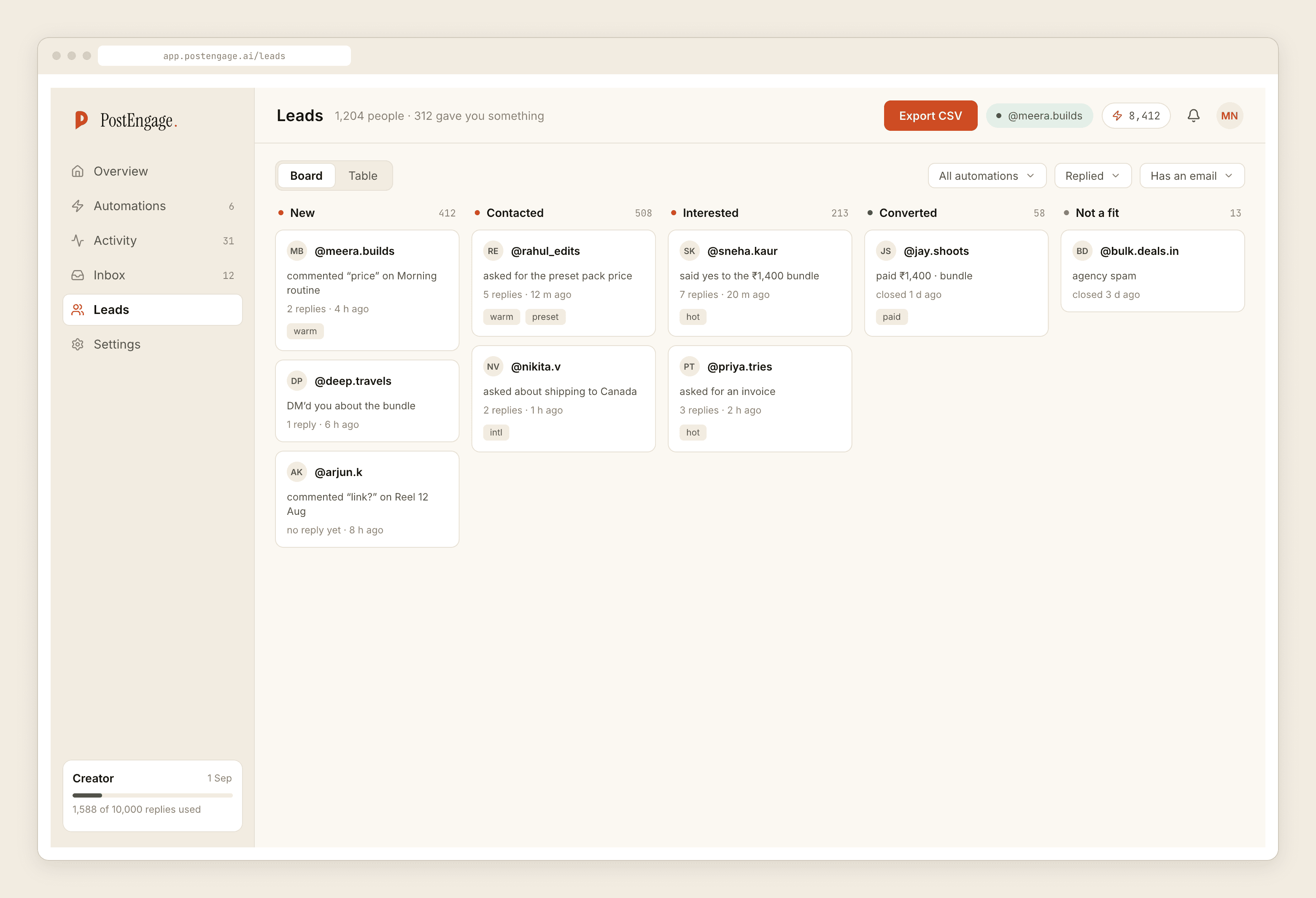
It cannot check your stock, because there is no inventory integration of any kind. It cannot take a payment — no payment links. It cannot book a delivery slot, because there is no calendar. No reminders, no scheduled sends, no WhatsApp. Leads leave as CSV.
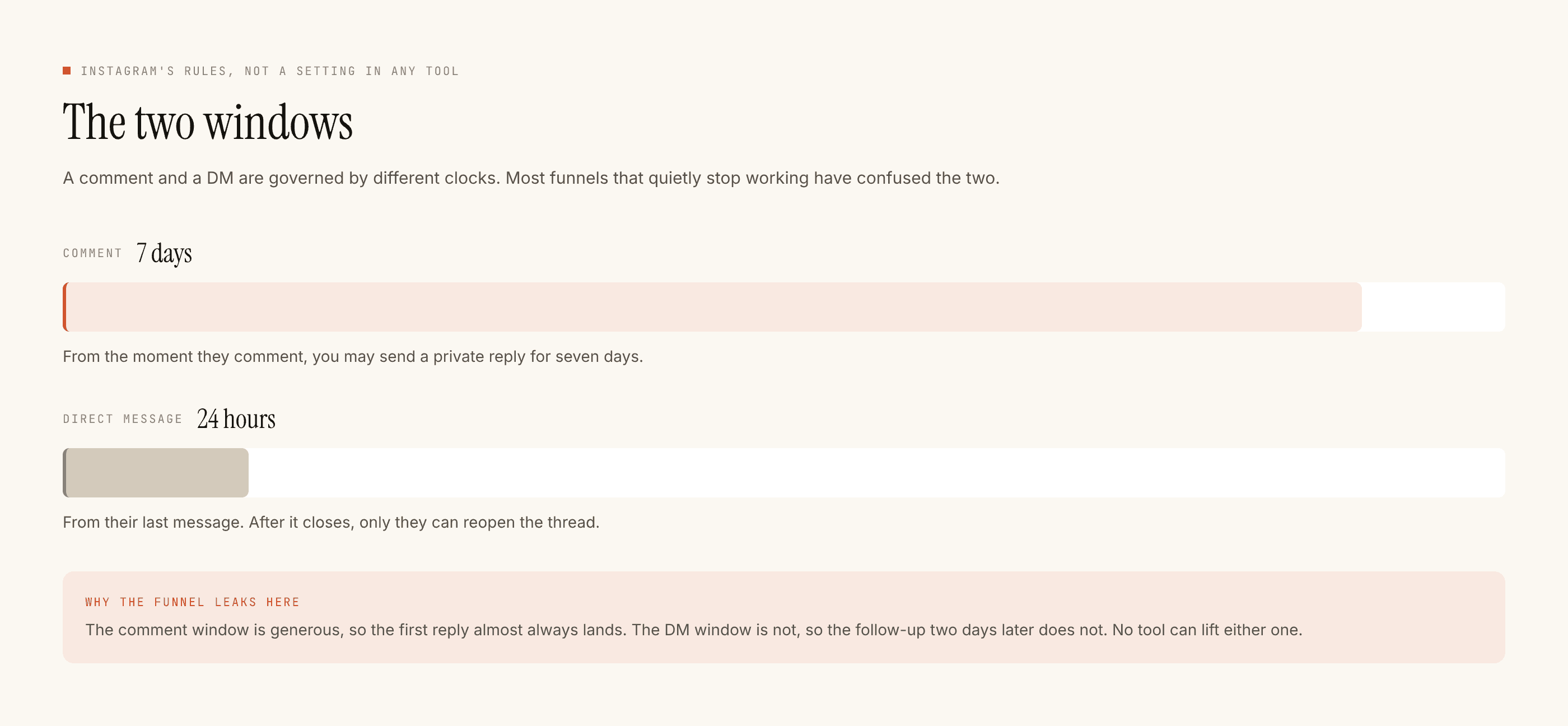
Official Graph API only: seven days on a comment, twenty-four hours inside a DM thread, restarted only when they message again.
Templated replies are free and unlimited; a credit goes only on a newly written reply. Free tier is 100 credits with no card, packs from ₹499. On the three big days the volume spikes, which is precisely when a well-written free template earns its keep.
The bakery version of the same perishable problem is worth reading next, running an occasion-led campaign covers the temporary-automation habit, and what stops a send explains the checks.