Compliance · 5 min read
WhatsApp Opt-In: Explicit, Specific and Revocable

PostEngage does not ship WhatsApp — it answers Instagram comments and DMs — so there is nothing here we are selling you an opt-in feature for. This is the part of the channel we can write about honestly regardless, because the principles are not product-specific and getting them wrong is the most expensive ordinary mistake a business makes on WhatsApp.
Three words carry the whole thing. Consent has to be explicit, specific and revocable. Everything below is those three words applied.
Explicit means somebody did something
A person took a deliberate action whose purpose was to say yes. They ticked an unticked box. They typed a word. They tapped a button that said what it was for.
What is not explicit: a pre-ticked box. A line in terms and conditions. A number collected for a delivery and quietly added to a marketing list. A customer walking into your shop. Somebody following you on Instagram.
And the one that needs saying plainly because the market for it is enormous: a purchased list is not an opt-in. A vendor selling "verified WhatsApp numbers of interested buyers in your city" is selling a list of people who never heard of you. Messaging them is not a growth tactic that carries some risk — it is messaging strangers who will block you, and blocks are what damages a business number.
If you cannot name the moment somebody agreed, you do not have consent. You have a phone number.
Specific means they knew what they were agreeing to
Consent to receive order updates is not consent to receive offers. Consent to be contacted about a booking is not consent to be added to a festival campaign. Consent given to your boutique is not consent for the other business you run.
The practical version is that the wording at the moment of asking is the scope of what you may send. "Get delivery updates on WhatsApp" permits delivery updates. If you later want to send a sale announcement, you ask again.
This is also the part that protects you commercially rather than only legally. People do not block a message they expected.
Revocable means stopping is easy and immediate
Somebody who wants out must be able to get out without a conversation, without finding an email address, and without repeating themselves. A word like STOP, honoured quickly, applied to the specific thing they opted into.
Two failures are common. The first is honouring it slowly, so two more messages arrive after they asked. The second is honouring it too broadly — stopping their order updates because they asked to stop receiving offers, which is a different kind of failure and equally annoying.
- Ask separately from anything else. A checkout field for a phone number is not the ask. A distinct question, unticked, with its own wording, is.
- Say what will arrive and roughly how often. Vagueness at the moment of consent becomes surprise later, and surprise is what gets reported.
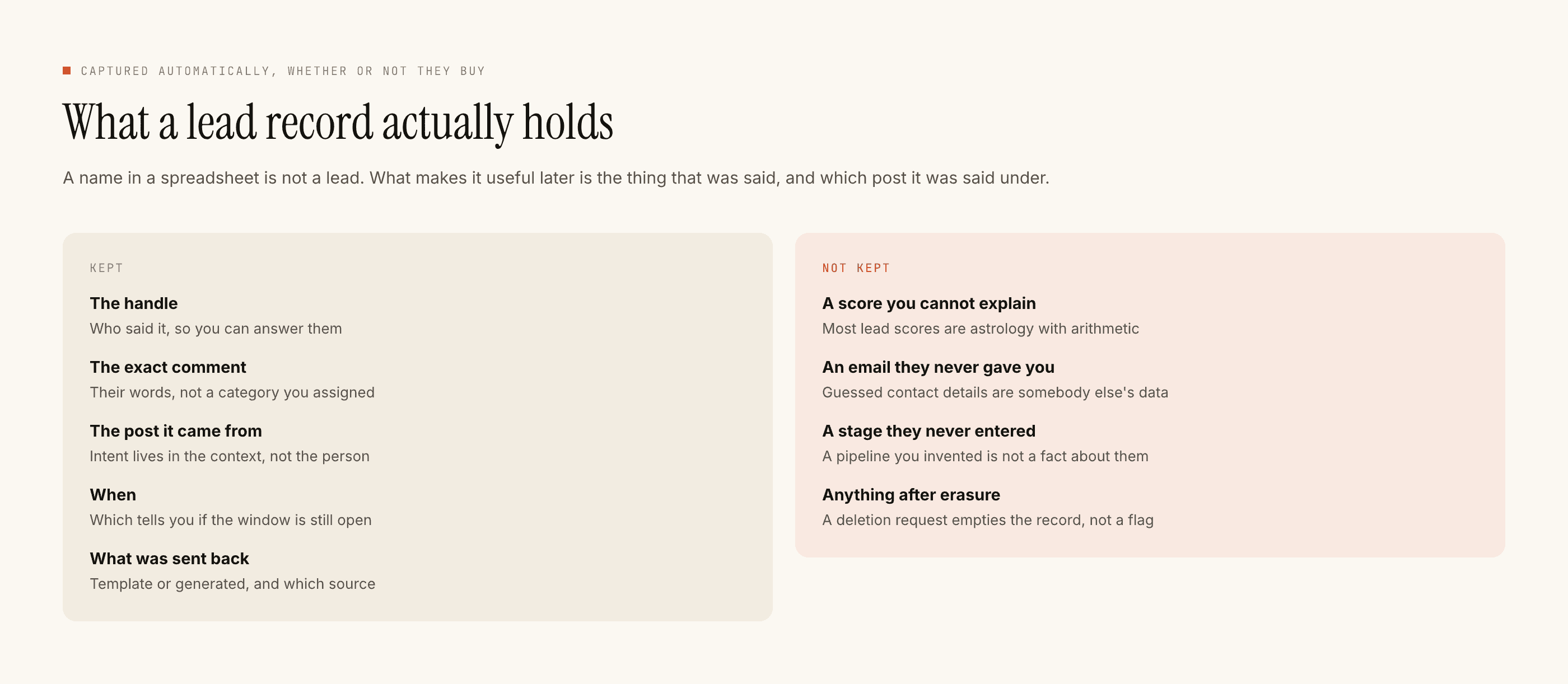
- Record the wording, not just the yes. What you asked, when, and through which route. In a year, this record is the whole of your evidence.
- Confirm on the channel itself. A first message that establishes who you are and how to stop, before anything else, gives the person an easy exit while they still remember agreeing.
- Honour withdrawal in minutes, and scope it to what they asked. Then keep the record of that too — you need to show you stopped, not only that you meant to.
Where the consent record lives is a real decision
Most businesses store the yes as a side effect of some other system — a CRM field, a form response, a row in a spreadsheet somebody made in March.
That is fine until you switch tools, at which point contacts export easily and the consent record often does not. You end up with a list of numbers and no evidence behind it, which is a much weaker asset and not a position you can quietly recover from. Ask any vendor you evaluate whether consent records export in a readable format, without a support request — the exit question in general applies here in its sharpest form.
The test that settles most arguments
Read the message you are about to send as the person receiving it, on a phone, in the middle of a working afternoon, directly underneath a message from their mother.
Would they remember agreeing to this? Would they know instantly who it is from? Is stopping obvious?
If any answer is no, the problem is not the message. It is the opt-in behind it, and no amount of rewording fixes that.
What we do on the channel we run
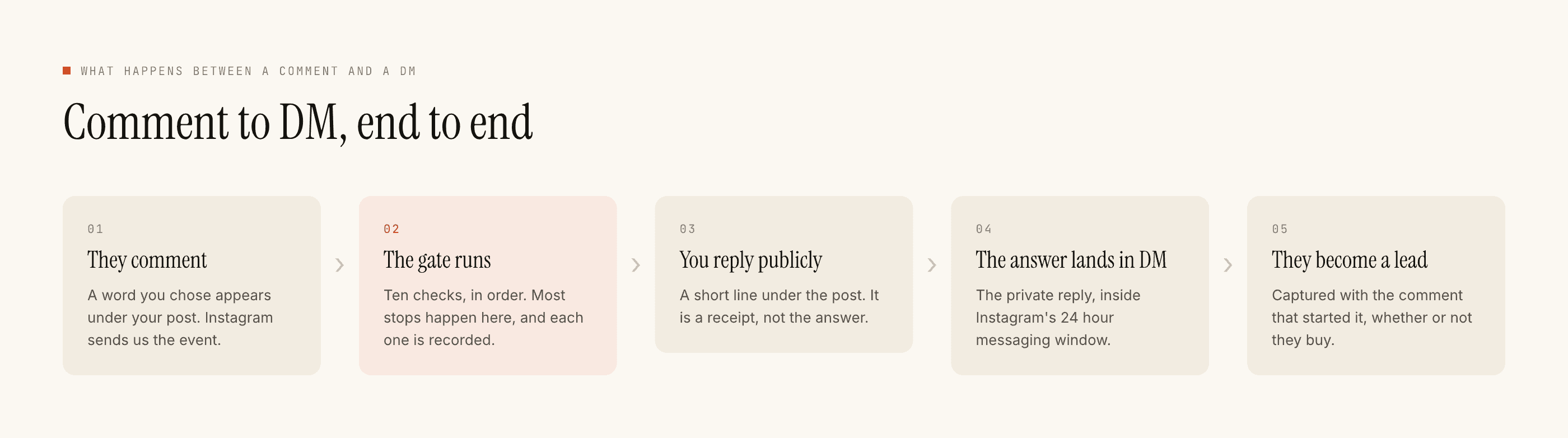
On Instagram the structure does some of this work for you: a private reply can only follow the customer's own public comment, we cannot message a stranger at all, and the messaging window is twenty-four hours from their last message, restarted only by them. Ten named checks run before every send and every refusal keeps its reason.
Templated replies are free and unlimited, credits move only when the model writes something new, the free tier is 100 credits with no card, and packs start at ₹499. For the duties that land on your business rather than on the vendor, this covers them.