Playbooks · 5 min read
Send-Time Optimization Cannot Help When Every Send Is a Reply

There is no send-time optimisation in this product. Nothing learns when your audience opens their DMs, nothing holds a reply back for a better hour, nothing tells you your best posting time. There is no scheduling of any kind, for messages or for posts.
The reason is structural rather than a gap. Send-time optimisation is an outbound idea. It exists because an email marketer chooses the moment a campaign goes out and can therefore choose it well. Here, you never choose the moment. Every send is a response to something a person just did, and the moment was theirs.
Three clocks, and you set one of them
- When they wrote. Entirely theirs. A comment at 2am is a comment at 2am, and no feature moves it.
- The window. Seven days to respond to a comment, counted from the comment. Twenty-four hours inside a DM thread, counted from their last message, restarted only when they write again. Your own messages do not extend it.
- Quiet hours. The one timing control there is, and it is a setting you choose rather than something optimised for you.
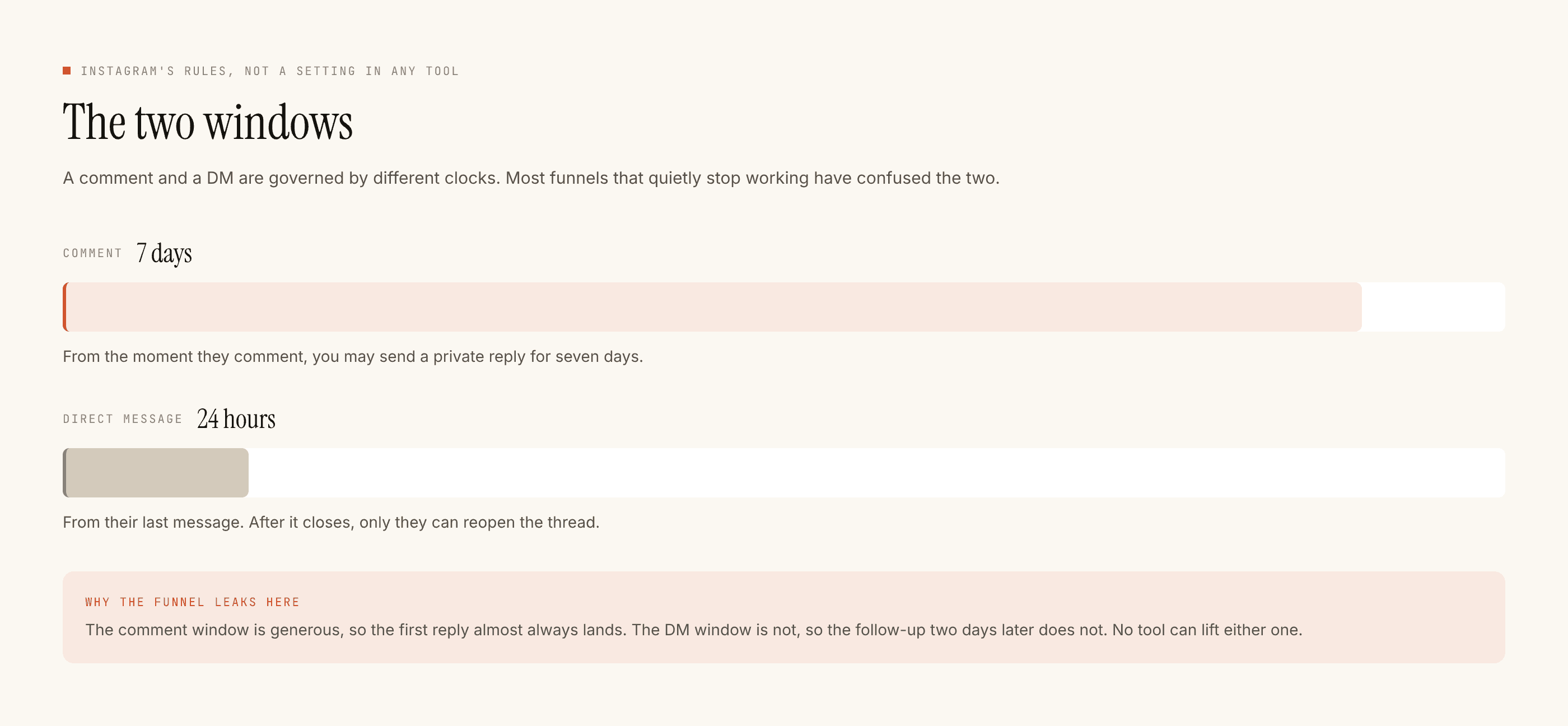
Between those three, timing is more or less fully determined. What is left is latency — how long you take — and latency only points one direction.
There is no optimum, there is only sooner
The reason is the window rather than psychology. A person who commented has, at most, a week of your attention available to them and usually far less of their own. A person who sent a DM has given you a day, and every hour you sit on it is an hour of that day spent.
So the question "what is the best time to reply" does not have an interesting answer. The best time is now, because now is the only time you are certain the window is open and reasonably confident they still care.
An optimiser choosing a better hour would be choosing to make somebody who is holding their phone right now wait.
That is the whole argument against the feature, and it is why its absence has cost nobody anything.
Quiet hours is a real trade, and most people set it without doing the arithmetic
Quiet hours holds replies rather than dropping them. A message that arrives inside the quiet period waits and goes out when the period ends. That is usually what you want — a brand messaging somebody at 3am reads badly, and there is no version of "sorry, automated" that fixes it.
But the held reply is spending window while it waits. Their message at 11pm opened a twenty-four hour clock; a reply held until 8am has consumed nine of those hours before it even left. On a first reply that is usually fine, and you still have most of the day.
Where it bites is deeper in a conversation. If they wrote at 11pm as the third turn of a thread, and your held reply goes out at 8am, and they read it at lunch and answer, the whole exchange is now running a day behind. Threads die of this more often than they die of bad replies.
Two settings decisions follow:
Set it in your audience's timezone, not yours. Obvious, routinely wrong, and worth checking today if you sell outside your own city.
Keep the window narrow. The one nobody regrets is roughly nine at night to eight in the morning. Every hour you add to it is an hour of held replies.
The comment clock is the forgiving one and people underuse it
Seven days, counted from the comment rather than from the post. That is the most generous number in the whole system and it changes what "late" means.
A comment left on Tuesday's reel is still answerable the following Monday. So the person who engaged while you were at a wedding is not lost the way a missed DM is. If you have been away, go back through comments before you go through anything else — that is where the recoverable intent is sitting.
The timing decision that is genuinely yours
Not when to reply. When to publish.
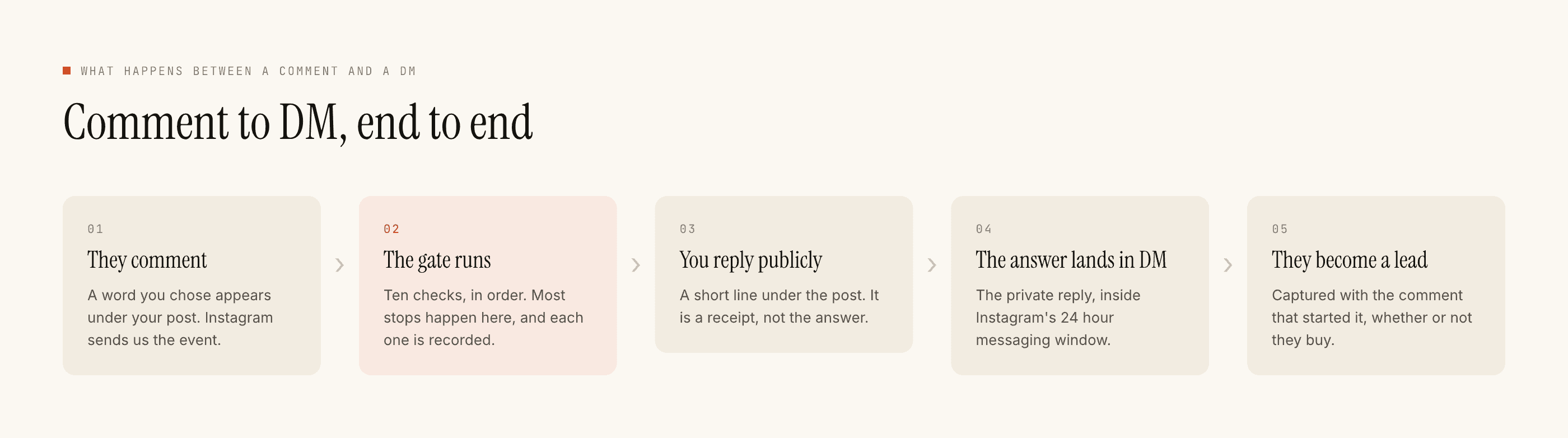
Publishing is the event that produces the wave of comments, and it is the one part of the timeline you actually control. Post at 11pm with quiet hours starting at nine and the first hour of engagement — the busiest one — sits held until morning. Post at 6pm and the same automation is answering people while they are still in the app.
We do not schedule or publish anything, so this is a habit rather than a feature: line up your publishing time with your quiet hours before you argue about either. The scheduling post covers that overlap in more detail.
The honest summary: the platform has already optimised your send time by constraining it. What is left is not choosing an hour, it is not wasting the ones you were given. If reply speed is the thing you want to work on properly, that has its own post.